Affiliate Disclosure: This article contains affiliate links. If you purchase a product or complete an eligible action through these links, we may earn a commission at no additional cost to you. Our recommendations are based on our editorial standards and research, not on affiliate partnerships. Learn more in our Affiliate Disclosure.
pdfFiller We Opened One Stubborn PDF. We Ended Up Reorganizing a Whole Workday.
Posted on |
You know the PDF.
The one that will not let you type.
The one with a signature line that needs printing, signing, scanning and emailing back, all before lunch.
pdfFiller is built for that exact headache. Its home page promises a single place to edit, sign, share and manage PDF documents online, from any browser or phone.
So we spent time with the site to see what it offers in 2026.
We expected a PDF editor.
We found a small document office in a browser tab.
It Starts With a Drop Zone
The first thing on the page is not a sales pitch. It is an upload box.
You drop a document in, and the page says you can upload a PDF up to 100 MB, or a Word, Excel, PowerPoint, image or text file up to 25 MB.
That is a clever way to introduce a tool. You do not read about editing. You start doing it.
The brand says 56 million users have used it and that it is rated 4.6 out of 5 on the review site G2. We cannot check those numbers, so we treat them as the company’s claims.
The Deal We Found: A Free 30 Day Trial
pdfFiller does not shout about coupons. The offer that stands out is simple.
| Offer | Details |
| Free trial | 30 days, with no obligation, cancel anytime, according to the site |
| Start time | The site says you can register and start in minutes, on any device |
| Apps | A desktop app for Mac, plus iOS and Android apps |
| Enterprise option | A separate plan for larger companies with single sign on and custom branding |
We did not find a public price list on the home page. The trial leads you to a payment page, so read the plan and renewal terms before you enter any card details.
Four Jobs pdfFiller Tries to Do
1. Edit PDF
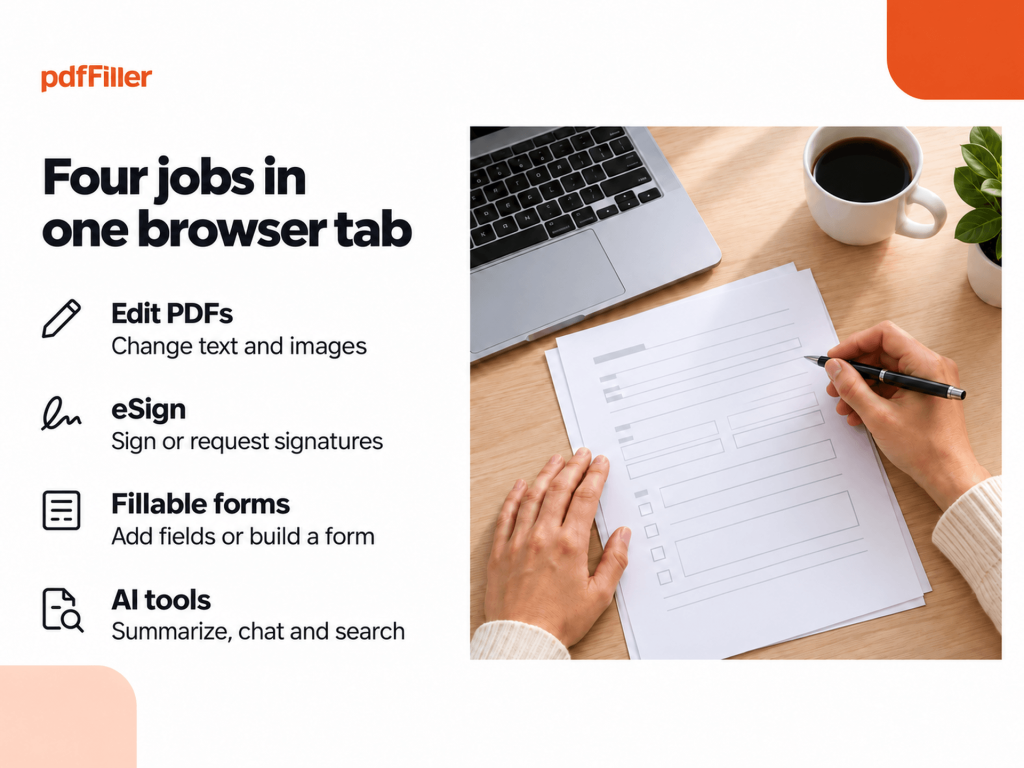
The editor lets you type or delete text, highlight, black out, add images and draw graphics, in a browser or on mobile. It also lists scanned document editing, page numbers, tables and a compare tool.
This is the core. If your daily problem is changing a PDF you did not create, start here.
Best For: Anyone who edits contracts, forms or reports.
2. eSignature and Signature Requests
You can sign a PDF yourself, or send a document for signature in a set order. The site ties this to signNow, a sister product, and claims documents get signed up to 24 times faster.
That figure is the brand’s claim. Still, the idea of tracking who has signed is a real time saver.
Best For: Small teams that chase signatures by email.
3. Fillable Forms and the Form Library
You can turn a PDF into a fillable form by adding fields, or build a form from scratch with a drag and drop builder. The site also hosts a big library of ready forms, including tax forms such as W-9, 1099 and W-2, plus passport forms.
Always check that a form is the current version before you file it with an agency.
Best For: Offices, HR teams and freelancers who handle paperwork.
4. AI Tools
The site lists an AI PDF editor, a summarizer, a Chat with PDF tool, an AI translator and AI search inside a PDF.
AI summaries are useful for long files, but check important details against the original.
Best For: Readers who face long documents every week.
The Smaller Tools That Add Up
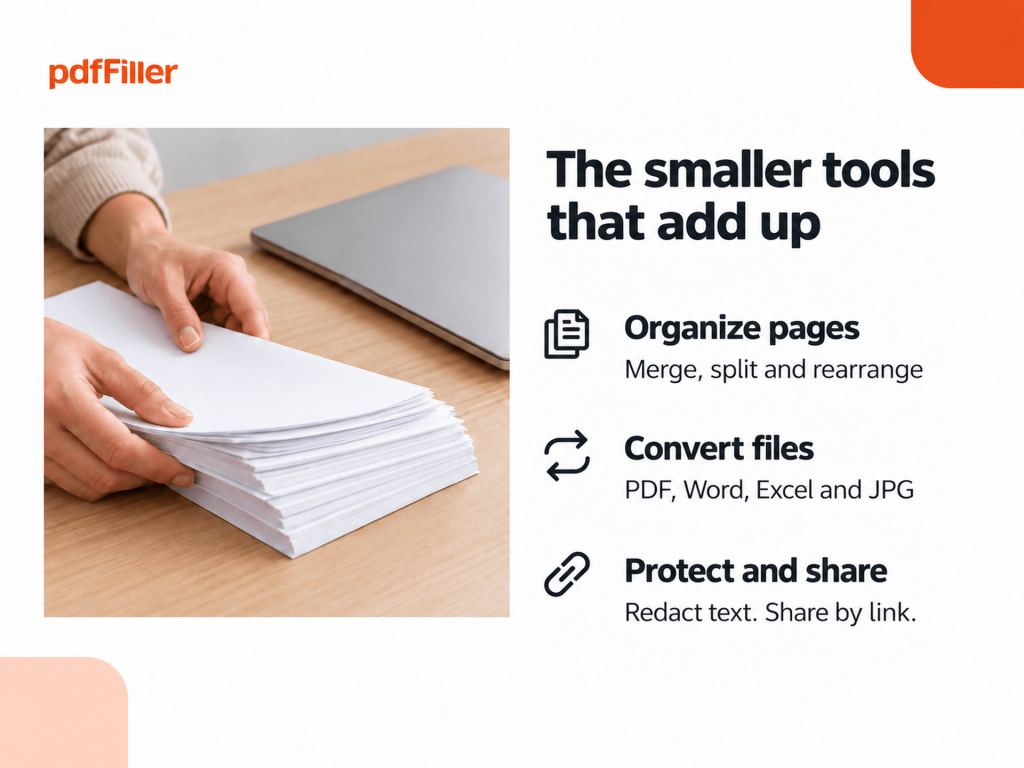
Beyond the big four, pdfFiller lists a long row of small tools. You can merge, split, rotate, rearrange and compress PDFs. You can convert PDF to Word, Excel, PowerPoint or JPG, and convert those formats back to PDF. You can add watermarks, protect a file with a password, redact sensitive text and share a document by link or email.
Each one is small. But together they cover most of what a typical office does to a PDF in a week.
A Simple Way to Test It in One Afternoon
We would not judge a tool like this by its home page. We would judge it by one real task.
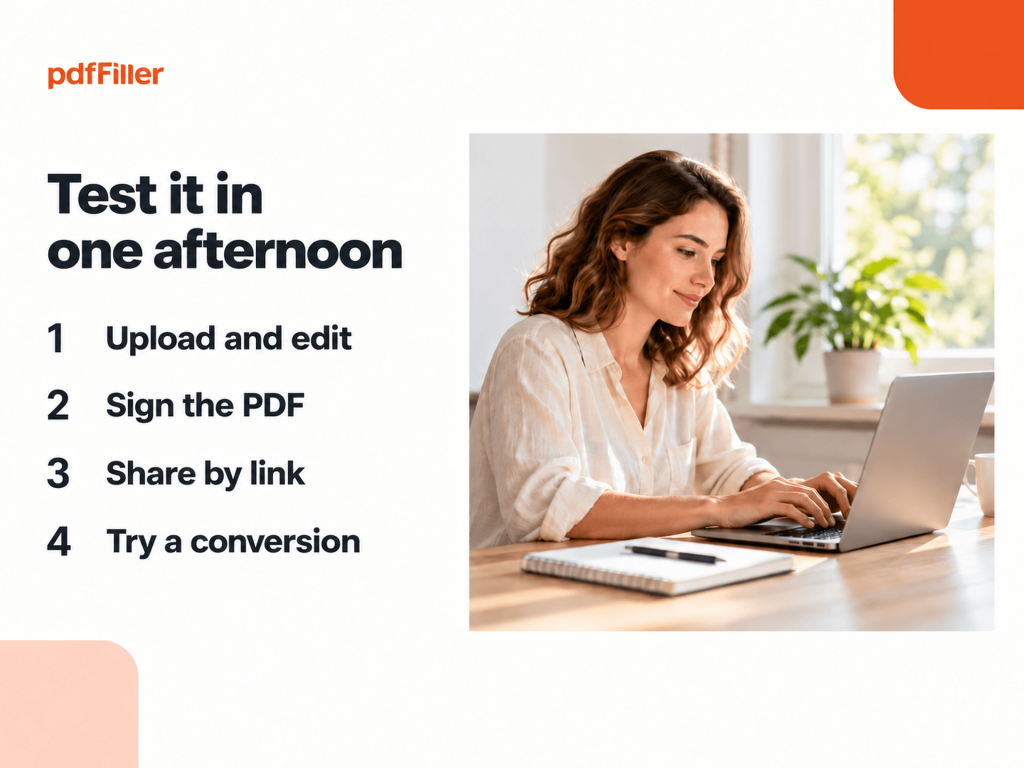
Pick a PDF you edit often, such as a contract or an application form. Upload it and make a change. Then sign it, share it by link, and try one conversion, such as PDF to Word.
If the result looks clean and the steps felt natural, keep going. If you had to hunt for buttons, cancel before the 30 days end. A trial is only useful if you actually try it.
Set a calendar reminder for day 25, so a renewal never catches you by surprise.
What About Security?
For a tool that handles contracts and personal forms, this matters.
pdfFiller lists GDPR compliance, SOC 2 Type II certification, PCI DSS certification, HIPAA compliance and CCPA compliance. It lets you restrict access to a document with a password, and store files in the cloud.
Those badges are listed by the company. If you handle regulated data, ask for the current reports and check that the plan you choose supports your needs.
How pdfFiller Compares
| Category | pdfFiller | Adobe Acrobat | DocuSign | PandaDoc |
| Known for | Online PDF editing, forms and eSignature | PDF editing and creation | eSignature and agreements | Documents, proposals and eSignature |
| Free trial | 30 days | Check site | Check site | Check site |
| Form library | Large library of ready forms | Check site | Check site | Check site |
| Works in a browser | Yes | Check site | Check site | Check site |
| AI tools | AI editor, summarizer, chat | Check site | Check site | Check site |
pdfFiller itself lists Adobe Acrobat, DocuSign, PandaDoc and Foxit as the products it positions itself against. Competitor details are general and change often, so check each product before you decide.
Where It Could Frustrate You
No tool is perfect for everyone, and we want to be fair.
The home page shows no prices, so you will not know the monthly cost until you reach the payment page. The AI tools are helpful but not infallible. And a browser based editor depends on a decent internet connection.
Also remember that the brand’s numbers, such as time saved and signing speed, are its own marketing claims. Test your own documents before you commit.
Who We Think Will Enjoy pdfFiller Most
- Small business owners who sign and send documents every week.
- Realtors, HR teams and office managers who handle many forms.
- Freelancers who need to edit a PDF without extra software.
- Students and teachers who fill forms and share files.
- Remote teams that need shared templates and folders.
- Anyone who prefers working in the browser or on a phone.
Quick Answers
Is there a free trial?
Yes. The site lists a free 30 day trial with no obligation and cancel anytime.
How big a file can I upload?
The home page says up to 100 MB for PDFs and up to 25 MB for Word, Excel, PowerPoint, image and text files.
Can I sign documents?
Yes. You can sign a PDF yourself or send it out for signatures.
Does it have AI tools?
The site lists an AI editor, summarizer, chat, translator and search.
Does it work on a phone?
The site lists iOS and Android apps, and a Mac desktop app.
Final Verdict: A Capable Document Office in a Tab
pdfFiller is a strong choice if you edit, sign and share PDFs often. Use the 30 day trial to test your own files, read the plan and cancellation terms before adding payment details, and check important AI summaries against the original document.